 PromptDust
The AI data on your disk
Your AI tools keep more than you think.
Cursor, Claude Code, and ChatGPT write your prompts, answers, and pasted keys to disk, often in plain text. PromptDust finds every copy and shows you what’s exposed.
Free and open source · Everything runs on your machine.
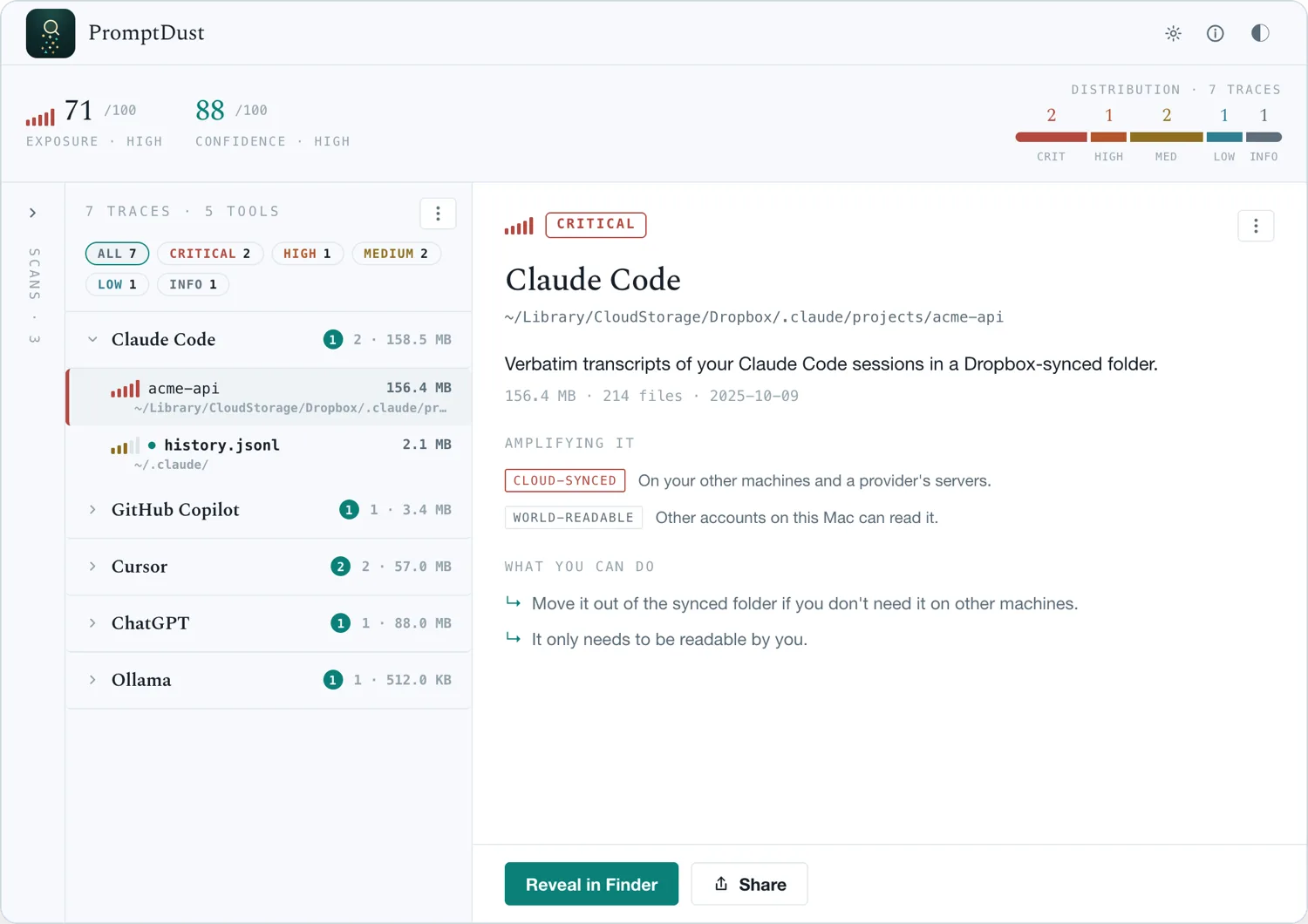
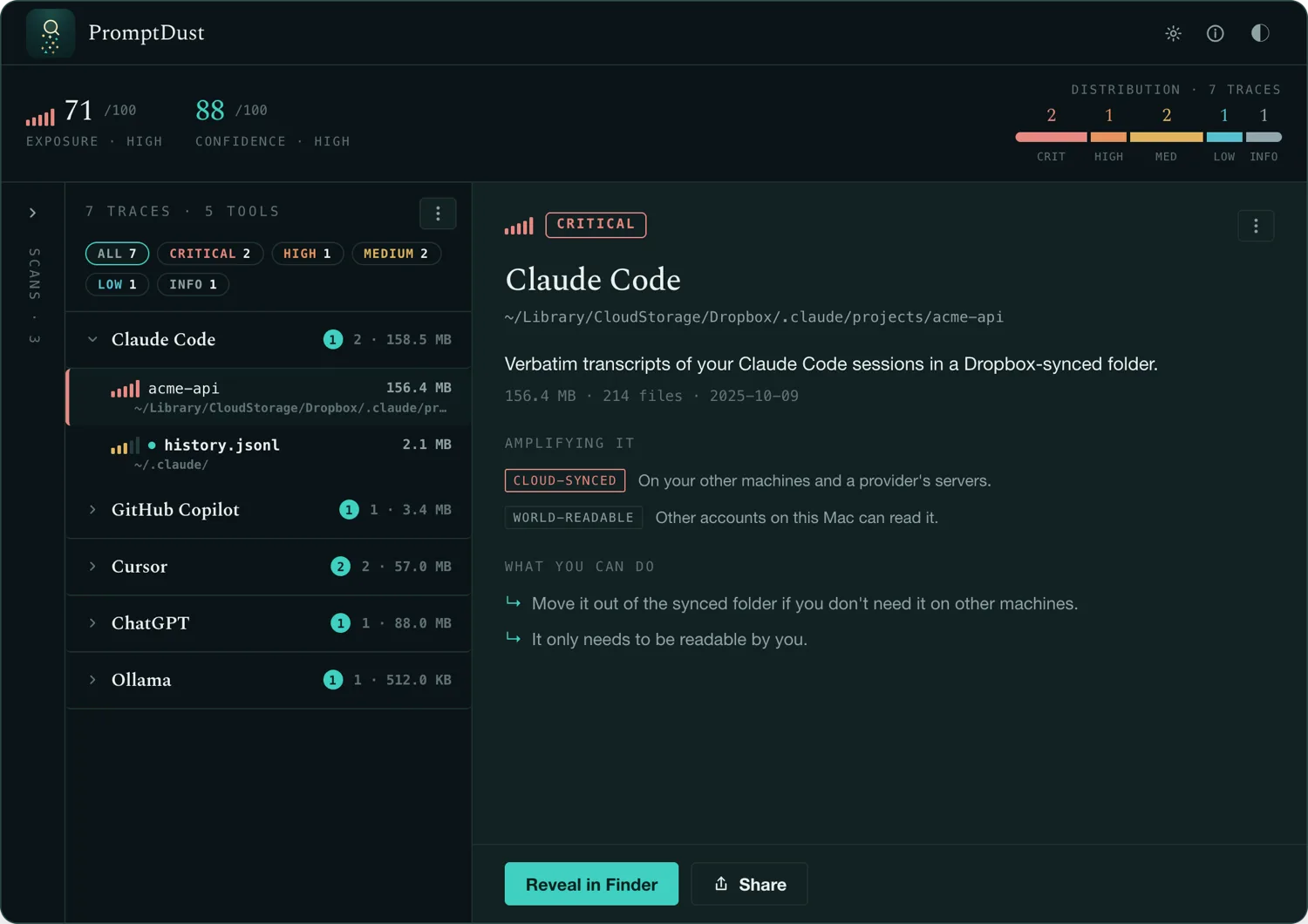
A single pass over one laptop · values stay masked
The problem
It builds up quietly.
Every AI tool keeps records. Claude Code logs each session. ChatGPT Desktop caches months of conversation. Aider writes your chat history straight into the git repo you’re working in, in plain text.
A pasted API key. A customer’s address. A block of production code. Each one lands in a transcript and stays there for months, perfectly readable. Across a team, every laptop carries the same buildup.
You’ll never stumble across it. PromptDust does the looking.
What it is
One clear view of it all.
PromptDust reads the disk, not the network. It lists every AI tool on your machine and every place it stores data, then flags the files holding API keys, personal data, or source code, and scores how exposed each one is.
How it works
Three steps, one pass.
- Step 01
Scan
Point it at your machine. It finds every AI tool and every file, cache, and database each one writes, including the stores tucked inside your repos.
- Step 02
See
Each store is scored for what it holds and how exposed it is, so the urgent things rise to the top and the noise falls away.
- Step 03
Decide
You get the location and the type: a password, a key, a customer record. What to clean up, and when, is your call.
A live API key in a six-month-old transcript is still a live API key.
Open source
Built in the open.
A tool that reads your whole machine should be one you can check. The engine, the scoring, and the catalog are all open: read them, or run your own build.
Read the engine
The scanner is open source, top to bottom. See exactly what it touches.
Published scoring
Every exposure score traces back to a versioned, inspectable rule.
Community catalog
Anyone can add a tool or fix an entry. The signature database is dated and open.
Get PromptDust
See your own machine.
Download it, run one scan, and get the full picture in about a minute.
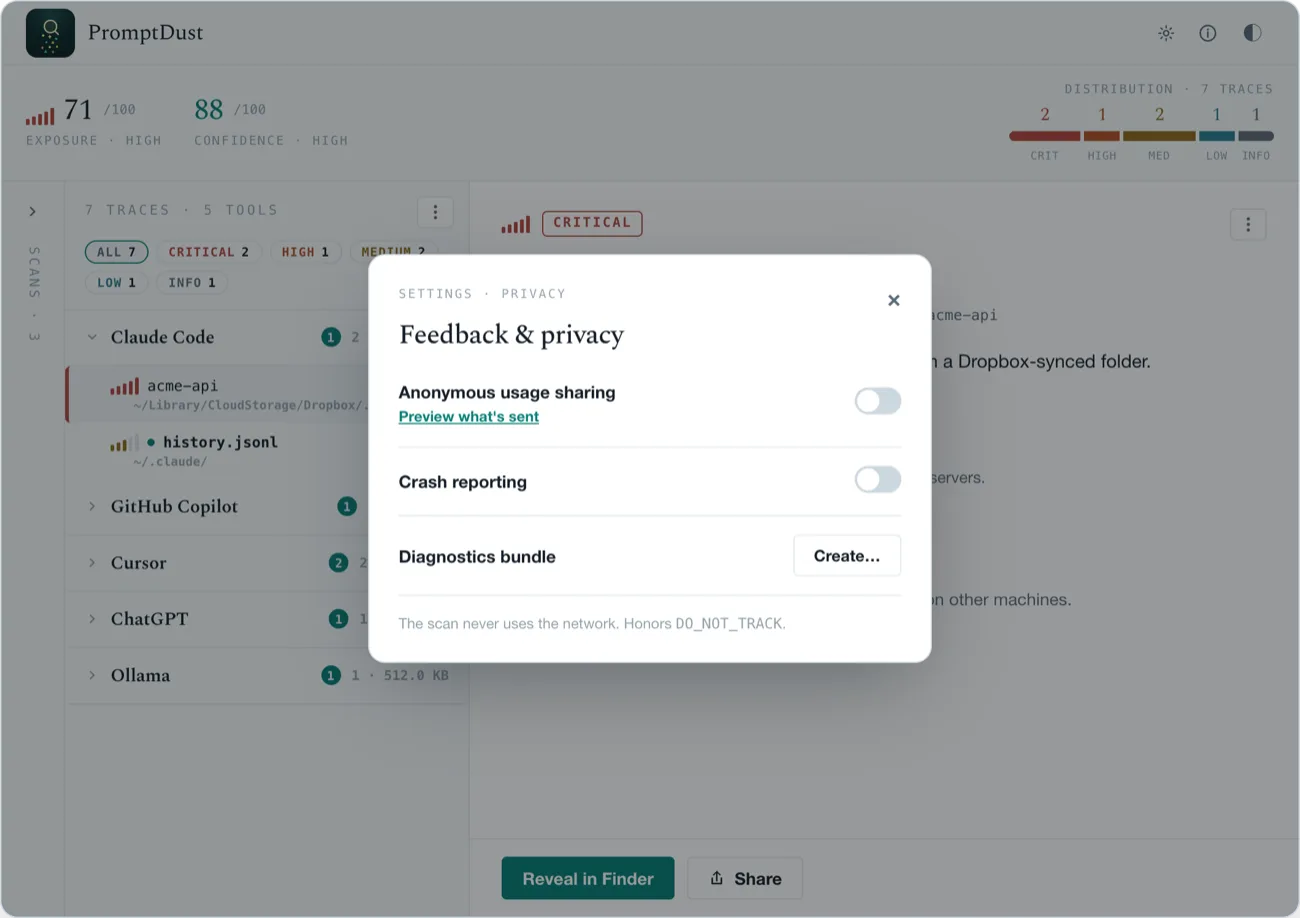
PromptDust runs on your machine and reports only to you. Findings stay local. The value of every secret stays masked.
brew tap promptdust/promptdust
brew install promptdust          # CLI
brew install --cask promptdust # macOS appPrefer the terminal? Get the CLI for macOS, Linux, or Windows.
Open, unsigned builds, so your OS may warn on first launch. Verify with the published checksums · v0.3.1.
Running a team? Fleet assessment, with each person’s consent, is on the roadmap.